

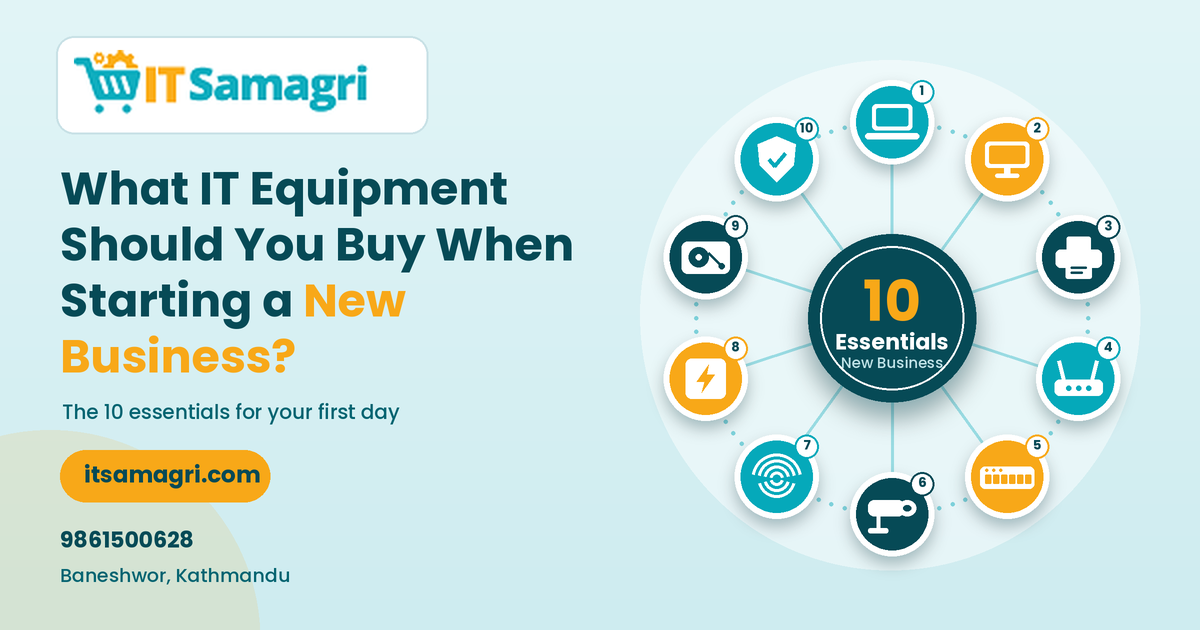
What IT Equipment Should You Buy When Starting a New
Business?
Starting a new business is exciting, but setting up the right
technology can sometimes be confusing. From computers and printers to
networking and security systems, businesses need several types of IT equipment
to operate smoothly.
The good news is that you don't need to buy everything at
once. The right equipment depends on your business type, number of
employees, budget, and daily operations.
Here are some of the most important IT equipment to consider
when starting a new business.
1. Desktop Computer or Laptop
A computer is one of the first things most businesses need.
For office work, accounting, documentation, browsing,
software applications, and communication, you can choose between a desktop
computer and laptop.
Choose a desktop if:
- You
work mainly from the office
- You
want a larger screen
- You
need easy upgrades
- You
want a cost-effective workstation
Choose a laptop if:
- Employees
need mobility
- You
work from different locations
- You
attend meetings frequently
- You
need a portable workstation
2. Monitor
If your employees use desktop computers, a good monitor is
essential for comfortable daily work.
A 22-inch or 24-inch monitor can be suitable for
general office work, while a 27-inch monitor can provide more workspace
for programming, designing, spreadsheets, and multitasking.
For employees who work for long hours, consider features such
as good resolution, comfortable brightness, and eye-care options.
3. Printer and Scanner
Many businesses still need to print invoices, documents,
contracts, forms, and other paperwork.
A multifunction printer can be a practical choice
because it can combine:
- Printing
- Scanning
- Copying
If your business prints documents regularly, consider the
expected monthly print volume before choosing a printer.
4. Internet Connection and Wi-Fi Router
A reliable internet connection is essential for modern
businesses.
You'll need a suitable router to distribute the
internet connection across your office. For larger offices, you may also need
additional access points to provide stable Wi-Fi coverage.
Choose networking equipment based on:
- Number
of users
- Office
size
- Internet
speed
- Number
of connected devices
- Required
Wi-Fi coverage
5. Network Switch
If your office has multiple wired devices, a network
switch helps connect computers, printers, CCTV systems, servers, and other
network devices.
For example, a small office might need an 8-port or
16-port switch, while a growing business may require more ports.
It's better to consider future expansion instead of buying a
switch with just enough ports for your current devices.
6. CCTV Camera System
Business security should not be overlooked when setting up a
new office or shop.
A CCTV system can help monitor:
- Main
entrances
- Cash
counters
- Reception
areas
- Product
displays
- Store
rooms
- Parking
areas
Depending on your business, you can choose Dome, Bullet,
IP, or Wi-Fi CCTV cameras.
A properly planned CCTV system can provide both security and
remote monitoring.
7. Biometric Attendance Machine
If you have employees, an attendance machine can make
attendance management easier.
Fingerprint and face-recognition attendance machines can
record employee check-in and check-out times and can often connect with
attendance software.
This can help reduce manual attendance work and make employee
records easier to manage.
8. UPS or Power Backup
Power interruptions can affect computers, networking devices,
CCTV systems, and other equipment.
A UPS (Uninterruptible Power Supply) can provide
temporary backup power and help protect connected equipment from sudden power
interruptions.
For businesses where continuous operation is important,
consider appropriate power backup for critical equipment.
9. External Storage and Backup
Business data should never depend on a single computer or
storage device.
Depending on your requirements, you can use:
- External
hard drives
- SSDs
- Network
storage
- Cloud
backup
Regular backups can help protect important documents,
customer information, financial files, and other business data.
10. Antivirus and Security Software
Protecting your business computers is just as important as
buying hardware.
Use trusted security software and keep your operating system
and applications updated. Employees should also be trained to recognize
suspicious emails, links, and files.
Good cybersecurity practices can help reduce the risk of data
loss and unauthorized access.
Basic IT Setup for a Small Business
A small business may start with a setup such as:
- 💻 Desktop or laptop
- 🖥️ Monitor
- 🖨️ Printer/scanner
- 🌐 Router
- 🔌 Network switch
- 📹 CCTV system
- 👆 Attendance machine
- 🔋 UPS
- 💾 Backup storage
The exact equipment will depend on your business
requirements.
Don't Buy IT Equipment Without Planning
One common mistake new businesses make is buying equipment
based only on price.
Before purchasing, consider:
Business size: How many employees will use the equipment?
Future growth: Will you add more employees or computers?
Compatibility: Will your devices work together?
Maintenance: Is technical support easily available?
Budget: Are you spending money on equipment you don't actually need?
A little planning can help you avoid unnecessary expenses and
make your IT setup easier to expand later.
Get Your Business IT Equipment From IT Samagri
Starting a new office, shop, or business in Kathmandu?
IT Samagri provides IT equipment and business technology solutions,
including computers, monitors, printers, networking equipment, CCTV cameras,
biometric attendance machines, storage devices, and other IT accessories.
If you're not sure what equipment your new business actually
needs, you can discuss your business size, budget, and requirements
before purchasing.
📞 Contact: 9861500628
📍 Location: Baneshwor, Kathmandu
Set up your new business with the right IT equipment from IT Samagri.