

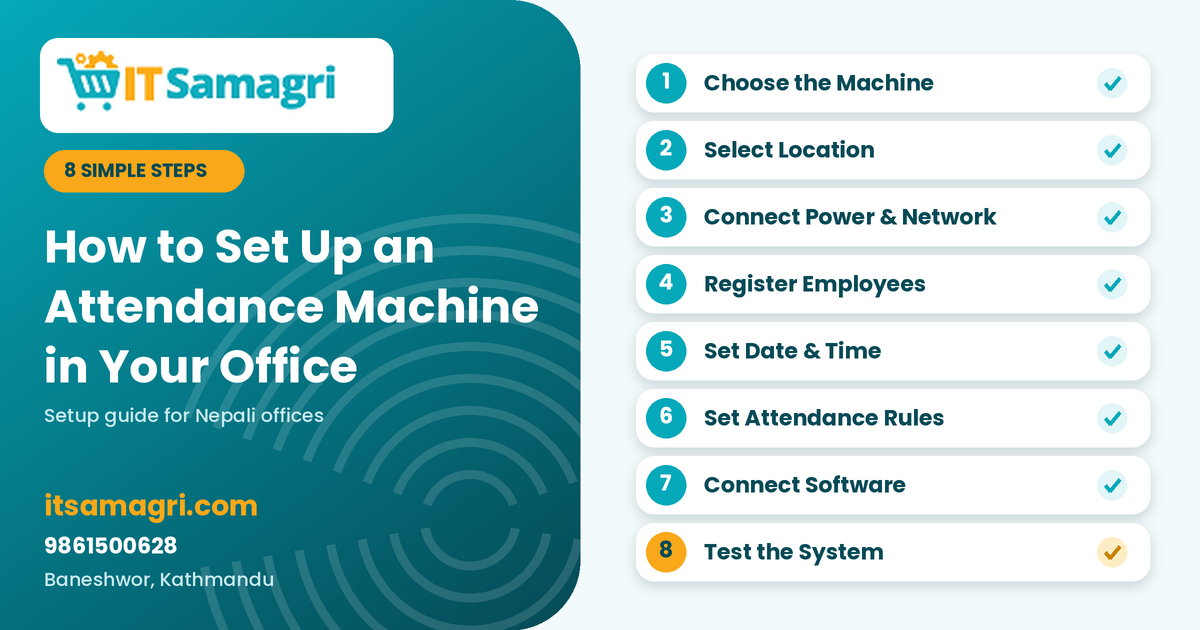
How to
Set Up an Attendance Machine in Your Office
Managing
employee attendance manually can take a lot of time and may lead to mistakes in
attendance records. An attendance machine makes it easier for offices
and businesses to record employee check-in and check-out times accurately.
Whether you
run a small office or a growing business, setting up the right attendance
machine can make daily attendance management much easier.
Step 1:
Choose the Right Attendance Machine
First,
choose an attendance machine based on your office size and requirements.
Common
options include:
- Fingerprint Attendance Machine
- Face Recognition Attendance
Machine
- RFID/Card-Based Attendance
Machine
- Fingerprint + Face Recognition
Machines
For a small
office, a fingerprint or face recognition machine may be sufficient, while
larger organizations may prefer advanced machines with multiple authentication
options.
Step 2:
Select the Installation Location
Install the
machine at a convenient location where employees can easily access it when
entering and leaving the office.
A good
location should be:
- Near the main entrance
- Easy for employees to access
- Protected from direct sunlight
and water
- Close to a power source
- Convenient for network
connection if required
Proper
placement is important because even a good attendance machine may become
inconvenient if installed in the wrong location.
Step 3:
Connect Power and Network
Connect the
attendance machine to a reliable power source.
Depending on
the model, you may also need to connect it to your office network using LAN/Wi-Fi.
Network connectivity can allow attendance data to be transferred to attendance
management software.
Step 4:
Register Employees
After
installation, register your employees in the machine.
Depending on
the device, you may need to add:
- Employee ID
- Employee name
- Fingerprint
- Face data
- RFID/card information
Make sure
each employee is registered with the correct employee ID to avoid problems in
attendance reports.
Step 5:
Configure Date and Time
Set the
correct date, time, and time zone on the machine.
This is an
important step because incorrect time settings can result in inaccurate
check-in and check-out records.
For offices
in Nepal, make sure the machine is configured according to the correct local
time.
Step 6:
Set Attendance Rules
If your
attendance software supports it, configure your office rules such as:
- Office opening time
- Check-in time
- Check-out time
- Late arrival
- Early departure
- Overtime
- Working days
- Holidays
These
settings help the system generate more useful attendance reports.
Step 7:
Connect the Machine With Attendance Software
For offices
with multiple employees, connecting the machine to attendance management
software can make attendance tracking easier.
The software
can help administrators view:
- Daily attendance
- Late employees
- Absent employees
- Working hours
- Overtime
- Monthly attendance reports
This reduces
the need to manually collect attendance data.
Step 8:
Test the Attendance System
Before using
the machine officially, test it with a few employees.
Check
whether:
- Fingerprints or faces are
recognized correctly
- Check-in and check-out times are
recorded
- Data is transferred to the
software
- Reports are generated correctly
- Network connection is working
properly
Once
everything works correctly, the machine is ready for daily office use.
Why
Choose the Right Attendance Machine?
An
attendance machine is not just about recording fingerprints or faces. The right
system should match your number of employees, working environment,
attendance rules, and reporting requirements.
For example,
a small office may only need a basic biometric machine, while a larger company
may require face recognition, network connectivity, access control, and
centralized attendance software.
Get the
Right Attendance Machine From IT Samagri
Looking for
a reliable biometric attendance machine for your office in Kathmandu?
IT
Samagri provides IT
equipment and business solutions suitable for offices, shops, schools, and
other organizations.
If you're
unsure which attendance machine is suitable for your organization, you can
contact IT Samagri and discuss your employee count and requirements before
choosing a device.
Contact
IT Samagri
📞 Call: 9861500628
📍 Location: Baneshwor, Kathmandu
Choose the right attendance machine and make employee attendance management simpler, faster, and more organized with IT Samagri.