

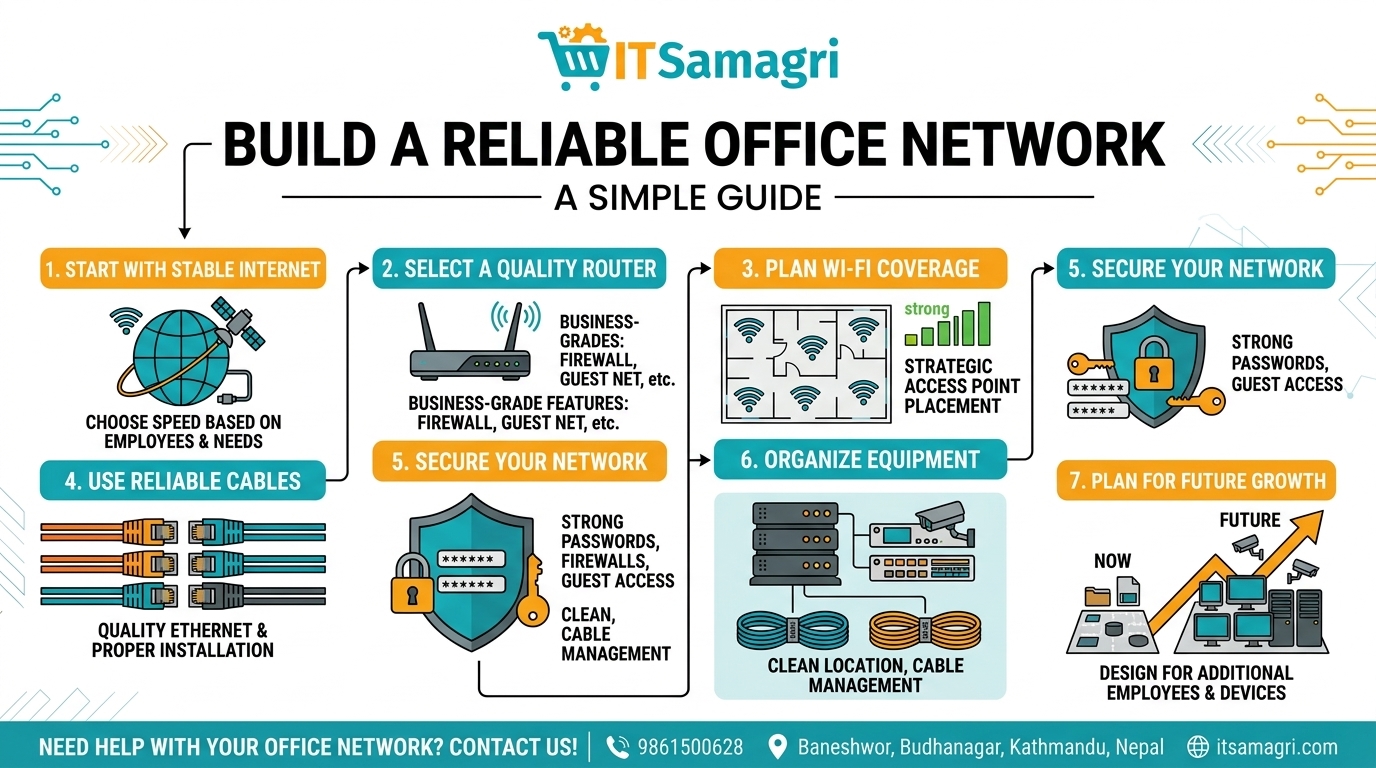
How to Set Up a Reliable Office Network
A reliable office network is essential for smooth communication, internet
access, file sharing, printers, CCTV systems, and everyday business operations.
A well-planned network can improve speed, security, and productivity
while reducing unexpected connectivity problems.
Here are some simple steps to build a reliable office network.
1. Choose the Right Internet Connection
Start with a stable internet connection that matches the number of
employees and your business requirements. Offices with many users, video
meetings, cloud applications, and large file transfers may need a higher-speed
connection.
2. Use a Good Router
Your router manages network traffic and connects your office to the
internet. Choose a reliable business-grade router with features such as
firewall protection, guest networking, and sufficient capacity for your number
of users.
3. Plan Your Wi-Fi Coverage
Place Wi-Fi access points in suitable locations to provide strong and
consistent coverage throughout the office. Avoid placing them behind large
obstacles or in areas with significant interference.
For larger offices, multiple access points can provide better coverage than
relying on a single Wi-Fi router.
4. Use Quality Network Cables
For wired connections, use suitable Ethernet cables and properly installed
network points. Good cabling can provide stable connections for computers,
printers, servers, and other network devices.
5. Secure Your Network
Network security should be a priority. Use strong Wi-Fi passwords, update
router and access-point firmware, enable firewall protection, and create
separate guest Wi-Fi access when needed.
Avoid sharing the main office Wi-Fi password with visitors.
6. Organize Your Network Equipment
Keep your router, switch, patch panel, and other networking equipment in a
clean and secure location. Proper cable management makes troubleshooting and
future upgrades much easier.
7. Prepare for Future Growth
Don't design your network only for today's requirements. Leave enough
capacity for additional employees, computers, CCTV cameras, printers, and other
devices that may be added in the future.
Final Thoughts
A reliable office network starts with good planning, quality equipment,
proper installation, and regular maintenance. Whether you have a small
office or a growing business, a well-designed network can keep your team
connected and productive.
Need help with office networking, Wi-Fi setup, routers, switches, or
network installation?
📞 Contact: 9861500628
📍 Location:
Baneshwor, Buddhanagar, Kathmandu, Nepal
🌐 Website:
itsamagri.com