

How to Choose the Right Laptop for Students
Choosing the right laptop for students can make studying, assignments,
online classes, presentations, and everyday tasks much easier. With so many
laptops available, it is important to choose one based on performance,
battery life, portability, and budget.
Here are some key factors students should consider before buying a laptop.
1. Choose the Right Processor
For everyday student tasks such as browsing, Microsoft Office, online
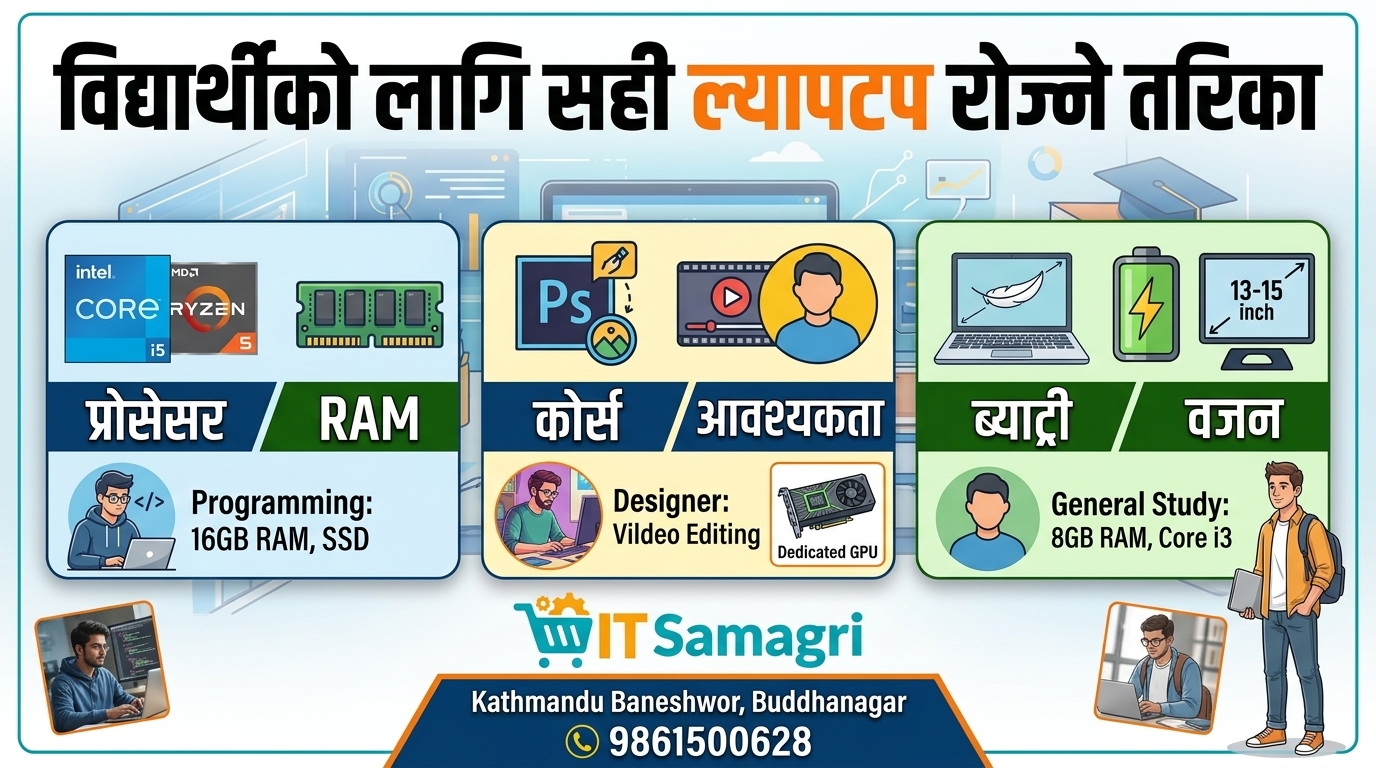
classes, and presentations, a modern Intel Core i3/i5 or AMD Ryzen 3/5
processor can be suitable.
For programming, graphic design, video editing, or other demanding work,
consider a higher-performance processor.
2. Get Enough RAM
RAM affects how smoothly your laptop handles multiple applications.
- 8GB RAM: Suitable
for most students
- 16GB RAM: Better for
programming, design, editing, and multitasking
- 32GB or
more: Useful for advanced professional workloads
For most students, 8GB–16GB RAM is a practical range.
3. Choose an SSD
An SSD can make a laptop significantly faster when starting the operating
system, opening applications, and transferring files.
For students, a 256GB or 512GB SSD is generally a good starting
point.
4. Consider Battery Life
Students often carry their laptops between classrooms, colleges, libraries,
and homes. A laptop with good battery life can reduce the need to constantly
search for a power outlet.
5. Think About Portability
If you travel with your laptop every day, consider a lightweight model with
a comfortable screen size, such as 13–15 inches.
A lighter laptop can be much more convenient for students who carry it
around regularly.
6. Choose According to Your Study Requirements
Different students have different needs.
For general study: 8GB RAM + SSD + Core i3/Ryzen 3 or
better can be enough.
For programming: Consider 16GB RAM, a good processor,
and at least a 512GB SSD.
For graphic design or video editing: Look for a
powerful processor, 16GB+ RAM, and a dedicated GPU where required.
Final Thoughts
The best student laptop is not necessarily the most expensive one. The
right choice depends on your course, software requirements, portability
needs, and budget.
Before buying, compare the processor, RAM, storage, display, battery life,
warranty, and overall build quality.
Looking for the Right Laptop?
Whether you need a laptop for college studies, programming, business,
design, or everyday use, choosing the right specifications can help you get
better value for your money.
📞 Contact: 9861500628
📍 Location:
Baneshwor, Buddhanagar, Kathmandu, Nepal
🌐 Website:
itsamagri.com
Choose the right laptop today and make your learning
experience faster, easier, and more productive.