

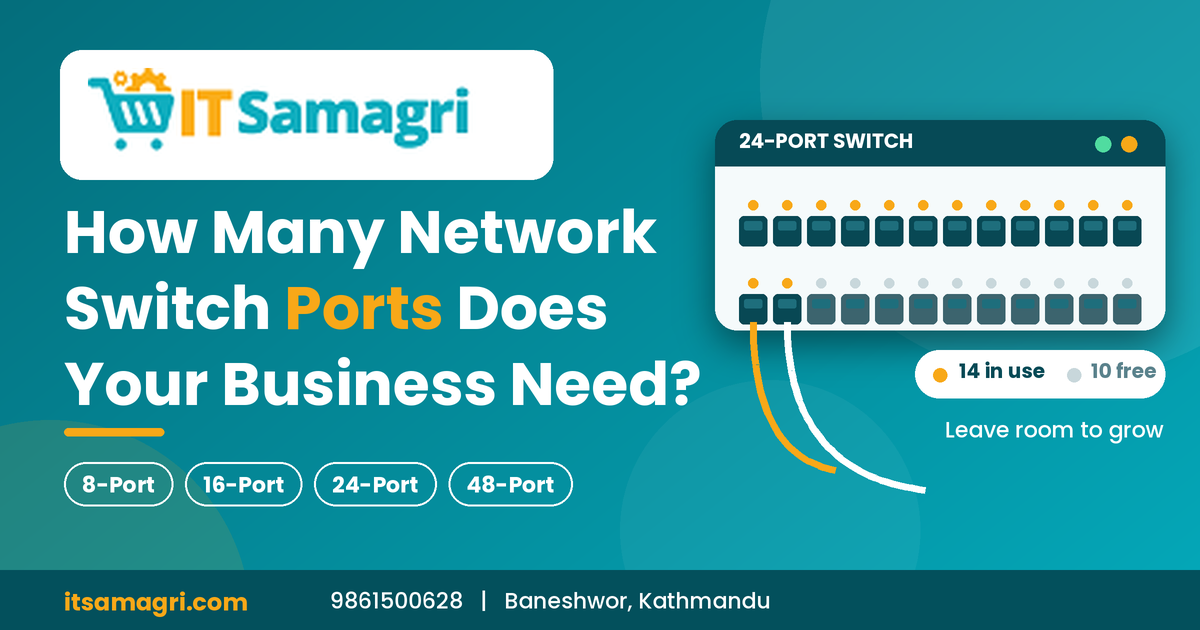
How Many Network Switch Ports Does Your Business Need?
A network switch is an essential part of an office network.
It connects computers, printers, CCTV cameras, access points, servers, and
other network devices.
But when buying a switch, one common question is: How many
ports does your business actually need?
Choosing the right number of ports can help you avoid
unnecessary costs while leaving enough room for future expansion.
1. Count Your Current Devices
Start by listing every device that will need a wired network
connection.
For example:
- Desktop
computers
- Network
printers
- CCTV
cameras
- Wi-Fi
access points
- Servers
or NAS
- IP
phones
- Other
network devices
If you have 10 devices requiring wired connections, you need
at least 10 available switch ports.
2. Common Switch Sizes
Network switches are commonly available in different port
configurations.
5-Port Switch
Suitable for very small setups such as a home office or a few
network devices.
8-Port Switch
A practical choice for small offices with a limited number of
wired devices.
16-Port Switch
Suitable for growing offices that have multiple computers,
printers, access points, or CCTV cameras.
24-Port Switch
A common option for medium-sized offices and businesses with
many network devices.
48-Port Switch
Suitable for larger offices, organizations, and network
environments with a large number of wired devices.
3. Don't Forget Future Expansion
One of the biggest mistakes businesses make is choosing a
switch that only supports their current devices.
For example, if you currently have 14 wired devices, buying a
16-port switch may leave very little room for expansion.
A 24-port switch could provide additional ports for
future computers, CCTV cameras, printers, or access points.
4. Consider PoE Requirements
If your business uses PoE (Power over Ethernet)
devices, such as IP cameras, VoIP phones, or certain Wi-Fi access points,
consider a PoE switch.
A PoE switch can provide both network connectivity and power
through a compatible Ethernet cable.
Before purchasing, check:
- Number
of PoE devices
- Required
PoE power
- Total
switch power budget
- PoE
standard supported
5. Example for a Small Office
Suppose your office has:
- 8
desktop computers
- 1
network printer
- 2
Wi-Fi access points
- 4
CCTV cameras
- 1
network storage device
That's 16 wired devices.
Instead of choosing a switch with exactly 16 ports, you might
consider a 24-port switch to leave room for future expansion.
Quick Guide
|
Business Size |
Possible Switch |
|
Home/very small office |
5–8 ports |
|
Small office |
8–16 ports |
|
Growing business |
16–24 ports |
|
Medium office |
24 ports |
|
Larger network |
48+ ports |
The actual requirement depends on the number and type of
devices in your network.
Final Thoughts
Choosing a network switch is not just about counting today's
devices. Consider current requirements, PoE needs, network speed, and future
expansion before making a decision.
A little extra capacity today can save you from replacing
your switch when your business grows.
Need the Right Network Switch?
Looking for network switches, PoE switches, routers, Wi-Fi
access points, or other networking equipment?
📞 Contact: 9861500628
📍 Location: Baneshwor, Buddhanagar, Kathmandu,
Nepal
🌐 Website: itsamagri.com
Build your business network with the right equipment and enough room to grow.