

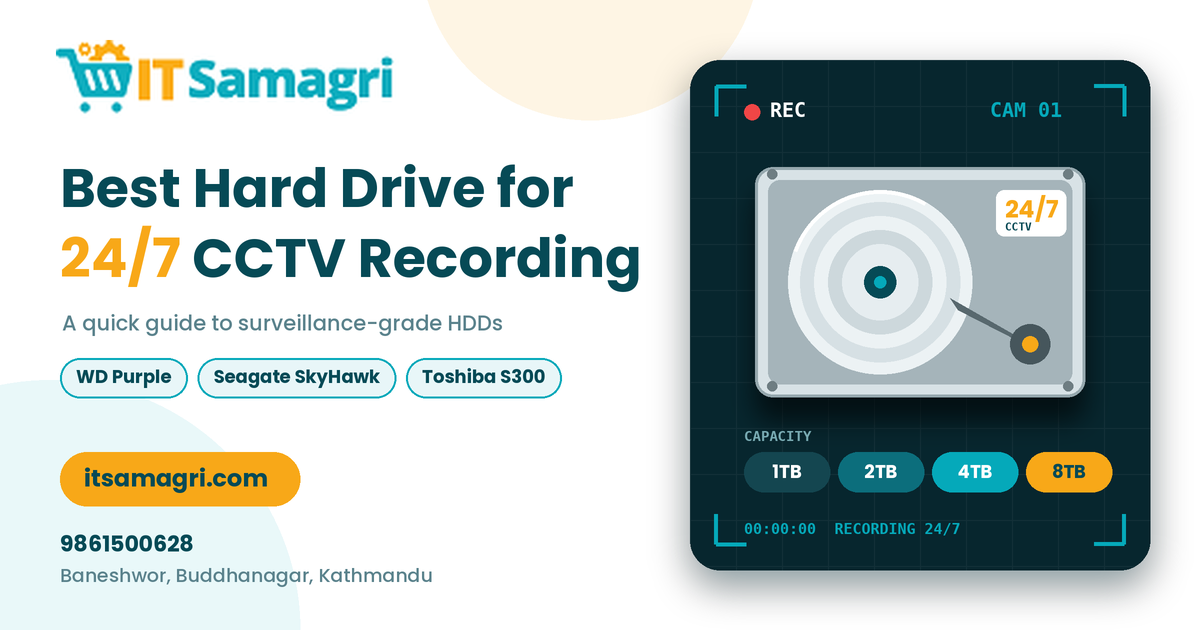
Best Hard Drive for 24/7 CCTV Recording
A reliable hard drive is essential for any CCTV camera
system. Whether you are securing your home, shop, office, or business, choosing
the right hard drive for 24/7 CCTV recording helps ensure continuous
video storage and reliable surveillance.
But is a regular desktop hard drive suitable for CCTV
recording? Let's find out which hard drive is best for your security system.
1. Choose a CCTV-Specific Hard Drive
For continuous surveillance, a surveillance-grade hard
drive is generally the right choice.
Unlike standard desktop drives, surveillance HDDs are
designed for continuous recording workloads and are commonly used in DVR and
NVR systems.
They are suitable for recording footage from multiple cameras
throughout the day and night.
2. Consider Storage Capacity
The right storage capacity depends on the number of cameras,
video quality, recording settings, and how long you want to keep footage.
Here is a general guide:
- 1TB: Suitable for small CCTV setups
with limited storage needs.
- 2TB: A practical option for small
shops and homes.
- 4TB: Suitable for larger setups with
more cameras.
- 6TB–8TB
or more: Useful
for businesses that need longer recording periods or have multiple
cameras.
Actual recording duration varies depending on camera
resolution, frame rate, compression, and recording mode.
3. Look for Reliable Surveillance HDD Brands
Popular surveillance hard drive product lines include:
- WD
Purple:
Designed for video surveillance systems.
- Seagate
SkyHawk:
Designed for continuous surveillance recording.
- Toshiba
S300: Designed
for surveillance applications.
Always check compatibility with your DVR or NVR before
purchasing.
4. Check DVR/NVR Compatibility
Before buying a hard drive, make sure it is compatible with
your recording device.
Check the supported drive capacity, SATA interface, number of
supported drives, and manufacturer recommendations.
Choosing a compatible drive helps avoid installation and
recording problems.
5. Calculate Your CCTV Storage Needs
The amount of storage you need depends on how many cameras
you have and how long you want to retain recordings.
For example, a shop with four cameras recording continuously
may need a different storage capacity than an office with 16 cameras.
Consider your camera resolution, compression settings, and
required recording days before selecting a hard drive.
6. Tips for Long-Term CCTV Hard Drive Performance
To keep your CCTV recording system working reliably:
- Use a
surveillance-grade HDD.
- Keep
your DVR/NVR in a well-ventilated location.
- Check
recording status regularly.
- Monitor
storage capacity and drive health.
- Replace
drives when they show signs of failure.
- Maintain
a backup of important footage when necessary.
Final Thoughts
For 24/7 CCTV recording, a surveillance-grade hard
drive such as WD Purple, Seagate SkyHawk, or Toshiba S300 is a suitable option
for many systems.
The best choice depends on your camera count, recording
duration, storage requirements, and DVR/NVR compatibility.
Looking for a Hard Drive for Your CCTV System?
Whether you need a surveillance HDD for your home, shop,
office, or business, Itsamagri can help you explore suitable IT and security
products.
📞 Contact: 9861500628
📍 Location: Baneshwor, Buddhanagar, Kathmandu,
Nepal
🌐 Website: itsamagri.com
Choose the right CCTV hard drive for reliable recording and
better security.