

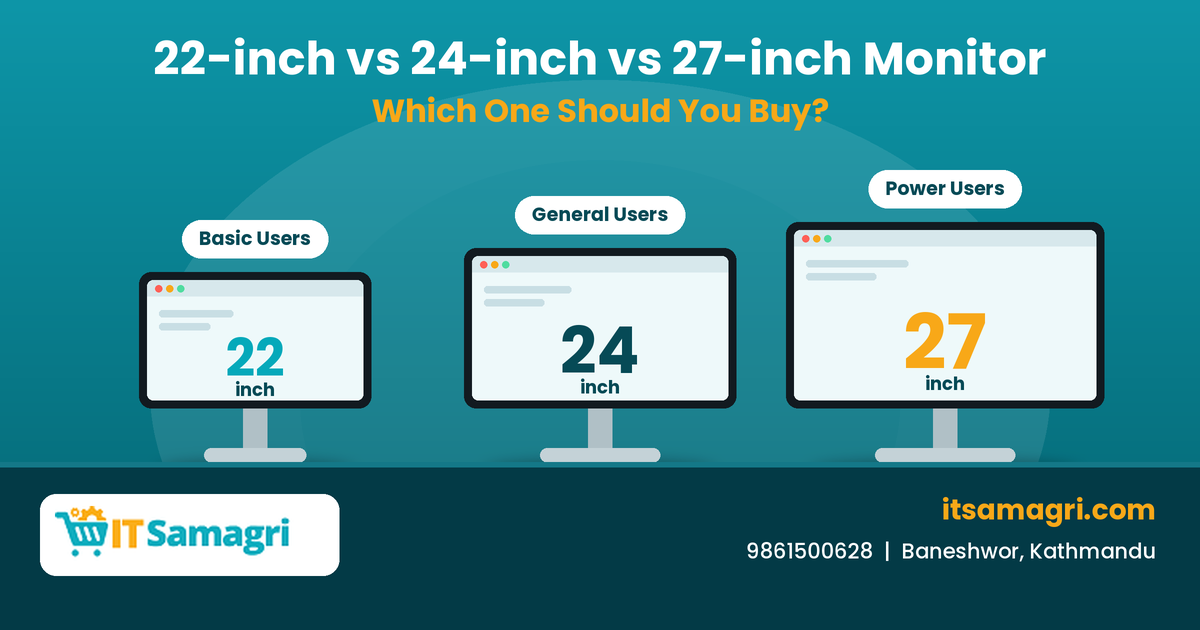
22-inch vs. 24-inch vs. 27-inch Monitor: Which One Should You
Buy?
Choosing a monitor is not only about screen size. The right
monitor can make a big difference when you're working, studying, programming,
designing, gaming, or simply using your computer every day.
Among the most common monitor sizes, 22-inch, 24-inch, and
27-inch monitors are popular choices. But which one is right for you?
Let's compare them.
22-Inch Monitor – Compact and Budget-Friendly
A 22-inch monitor is a good option when you have
limited desk space or want a basic display for everyday computer work.
It can be suitable for:
- Basic
office work
- Internet
browsing
- School
and college work
- Billing
and accounting
- Small
workstations
- Home
computer setups
The smaller size also makes it easier to fit into a compact
desk setup.
Choose 22-inch if: you want a practical monitor for basic tasks and have
limited desk space.
24-Inch Monitor – A Balanced Choice
For many users, a 24-inch monitor provides a
comfortable balance between screen size, desk space, and usability.
It is suitable for:
- Office
work
- Programming
- Online
classes
- Browsing
- Accounting
- Content
creation
- General
home use
A 24-inch Full HD monitor can provide enough screen space for
everyday productivity without taking up too much room.
Choose 24-inch if: you want an all-round monitor for office and personal use.
27-Inch Monitor – More Screen Space
A 27-inch monitor provides noticeably more screen
space and can be particularly useful for multitasking.
It can be a good option for:
- Programming
- Graphic
design
- Video
editing
- Gaming
- Large
spreadsheets
- Multitasking
- Professional
work
With a suitable resolution, a 27-inch display can make it
easier to work with multiple windows side by side.
Choose 27-inch if: you want more workspace and have enough desk space for a
larger monitor.
22-inch vs. 24-inch vs. 27-inch Monitor
|
Feature |
22-inch |
24-inch |
27-inch |
|
Screen size |
Compact |
Medium |
Large |
|
Desk space |
Low |
Moderate |
More |
|
Basic office work |
Suitable |
Excellent |
Suitable |
|
Programming |
Suitable |
Excellent |
Excellent |
|
Multitasking |
Limited |
Good |
Excellent |
|
Gaming |
Suitable |
Good |
Excellent |
|
Design/editing |
Basic |
Good |
Excellent |
|
Portability |
Easier |
Moderate |
Less convenient |
|
Ideal for |
Basic users |
General users |
Power users |
What About Resolution?
Screen size isn't the only thing you should consider.
For example, a 27-inch monitor with only Full HD
resolution may not provide the same sharpness as a 27-inch monitor with a
higher resolution.
When choosing a monitor, also consider:
- Resolution
- Refresh
rate
- Panel
type
- Response
time
- Brightness
- Connectivity
- Eye-care
features
For regular office work, a Full HD monitor may be sufficient.
For professional design, editing, or high-detail work, you may want to consider
a higher-resolution display.
Which Monitor Size Is Best for Office Work?
For most office users, 24-inch monitors offer a
practical balance between workspace and desk size.
If your work involves large spreadsheets, multiple
applications, or multitasking, a 27-inch monitor can provide additional
workspace.
For simple billing, documentation, browsing, and basic
computer tasks, a 22-inch monitor can be enough.
Which Monitor Is Best for Programming?
Programmers often work with code editors, browsers,
terminals, and documentation at the same time.
A 24-inch monitor can be a comfortable starting point,
while a 27-inch monitor provides more space for multiple windows and
larger code files.
If you're a developer working for long hours, don't focus
only on screen size. Look for a monitor with comfortable brightness, good
viewing angles, and an appropriate resolution.
Which One Should You Buy?
The answer depends on your requirements.
Choose 22-inch if you have limited space and need a basic monitor.
Choose 24-inch if you want an all-round monitor for office, study,
programming, and everyday use.
Choose 27-inch if you need more screen space for multitasking, gaming,
designing, programming, or professional work.
Instead of choosing the biggest monitor, choose the size that
matches your work, desk space, viewing distance, and budget.
Find the Right Monitor at IT Samagri
Looking for a monitor for your office, home, gaming setup,
or professional workstation?
At IT Samagri, you can find computer accessories and
IT equipment suitable for different types of users and work requirements.
If you're confused between a 22-inch, 24-inch, or 27-inch
monitor, contact IT Samagri and discuss your requirements before choosing
the right display.
📞 Contact: 9861500628
📍 Location: Baneshwor, Kathmandu
Choose the right monitor for your work with IT Samagri.